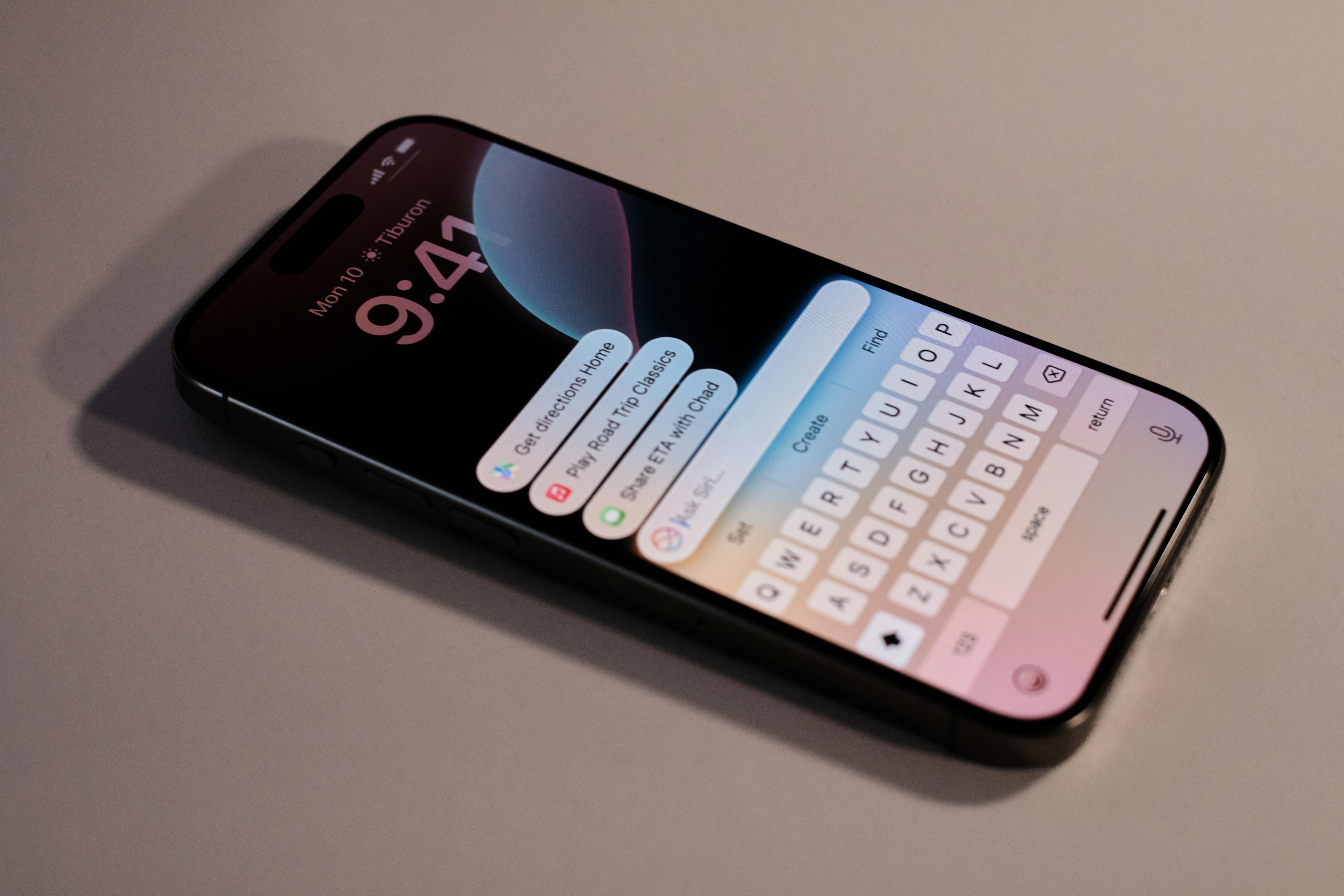
Beyond the Camera: How to Get More out of Your Latest iPhone
Your iPhone can do more than take great photos. Discover its productivity tools, display features, and everyday tips to make the most of your device.
How to Make the Most of Your iPhone
Your iPhone can offer more than just take photos but it can help you plan your day and organize tasks, read more conveniently, secure your private data, and even make some of your daily activities easier.
Regardless of whether you just bought the latest iPhone or you just got the older generation, there’s no lack of useful options that you should definitely try out. There’s no need for you to install an app to do so. Everything that you need can be found within the Apple system.
Use Your iPhone for More Than Pictures
Not only does the Reminders app help you to remember important dates and events, but it can help you make shopping lists and plan your errands.
For instance, if you plan to travel during the weekends, then you can set yourself a reminder to pack your suitcase, book your transport, and get the necessary things ready. You can also create location-based reminders to, for example, buy groceries in a certain store.
Your iPhone will help manage small business-related or academic activities outside your computer. You can read emails, go through your documents, make notes, and reply to messages without carrying a laptop around.
It doesn’t mean that you should make everything a working one; the advantage of the device is the ability to do what you need to do whenever it seems suitable for you.
Apple’s Productivity Tools
Notes can be a Place for Quick Ideas
If you’re dealing with projects, make sure you create a new note for each topic necessary instead of combining all your notes in one file. The Notes app allows you to take advantage of other useful features like attaching files, using tags, and locking notes. This is particularly helpful in storing pieces of information, although sensitive information should still be stored carefully.
Focus Mode reduce Unnecessary Distractions
Notifications could distract you even when you’re trying to accomplish something easy because Focus Mode helps you decide which contacts and apps should notify you while you’re working or sleeping.
You may choose an available Focus Mode or add your own that fits your schedule. For example, you may choose to get notifications from your colleagues during your Work Focus or get social media notifications during Personal Focus.
Make Better Use of the iPhone’s Display
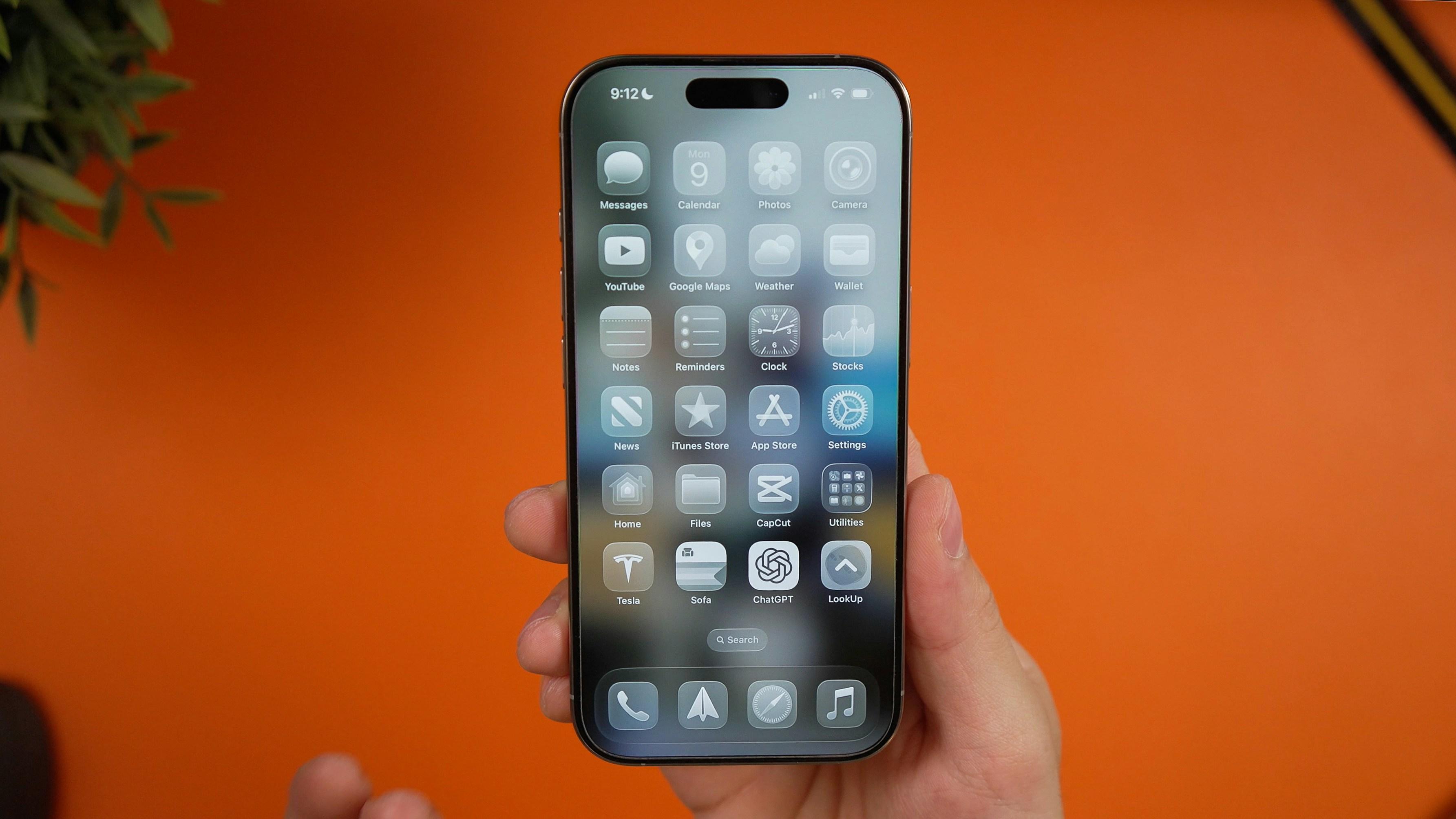
Your iPhone makes it possible for you to organize information across various apps without having to keep changing from one app to another. The use of widgets, notifications, and the app switcher makes it easier to change from one task to another.
The best way to do this would be to have a simple Home Screen where you put your favorite widgets and apps.
If you frequently read articles and browse the internet, take some time to adjust your display settings. There are many ways in which you can customize your text, including size, brightness, and appearance. Dark Mode can be preferable in low-light settings, while adjusting brightness can be helpful when you’re using your phone outside.
StandBy is also an example of a feature that can help you utilize your iPhone because of its design for specific situations. Be sure that your device supports it and know its configuration options first. With certain settings, you’ll be able to use it for reminders, notifications, time, and other information.
Features that are Worth Exploring for Your Daily Routine
Accessibility make Your iPhone Easier to Use
The accessibility features don’t just apply to those who need them. You can use them to adapt your interaction experience with your phone. In other words, you can change the font sizes, make use of zooming features to magnify areas of the screen and try VoiceOver in case you find spoken descriptions useful. The other option is Assistive Touch, which is a new way to operate your device.
Find My makes Your iPhone Easier to Find and Manage
Find My will come in handy when it comes to locating your Apple devices and managing the location settings on them. It would be good for you to know more about it before you need it. Another thing you can do is check the settings of your iPhone to get to know what apps have access to your location, camera, microphone, and other data.
Get More out of Your iPhone FAQs
Can I use an iPhone subscription instead of buying a new phone? Yes. A device subscription lets you use a phone through monthly payments rather than paying the full purchase price upfront. Compare the total cost, subscription term and end-of-term options before deciding whether it suits your needs.
How does Cinch damage protection work in Malaysia? Cinch offers up to 90% coverage of eligible accidental repair costs, with the customer paying the remaining 10%. The coverage is subject to the applicable terms and conditions.
What subscription terms are available through Cinch? Cinch offers 3, 6, 12 and 18-month subscription terms. You can compare the available options and choose a term that suits your budget and how long you plan to use your device.
What can I do with my iPhone besides taking photos? You can use your iPhone to manage reminders, organize notes, check your calendar, make payments with supported cards and navigate to places. It can also help you stay focused and manage everyday tasks.
How can I make my iPhone more useful for work or study? Use Notes to capture information, Reminders to organize tasks and Focus to reduce unnecessary notifications. Widgets can also help you see upcoming appointments and deadlines without opening multiple apps.
If you’re prepared to look at your choices, check out Cinch to see what iPhones and subscriptions they offer. Go for a suitable iPhone that fits your lifestyle and budget, not because there’s a new model available.
 1,614 ulasan Google